
In a workflow, a constant is fixed value, numbers or text, that never changes.
As the name suggests, the value of the constant remains the same throughout the workflow as opposed to a variable, its opposite by definition, which changes as conditions or calculations require.
Construct a constant value by analyzing the actions to be performed in your workflow then determine whether a constant can serve a purpose in your calculations or flow of information.
A workflow can have multiple constant values with varying functions. Name your constants accordingly so you can use it multiple times in your workflows.
|
|
Create a workflow page in your plan to include a copy of each constant used within the plan. It helps you keep track of instances of the constant tool in use. |
To set the Contant tool,
Below are some use cases of the constant tool:
As an Address
See the City, State and Zip Use Case to see a common application of the Constant tool.
Numbers as Constant Values
Numbers appear in workflows as a single, whole number such as the number one (1) or can represent other values where calculations occur.
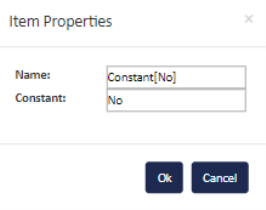
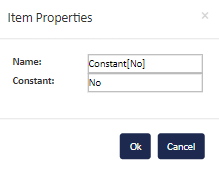
Binary Yes and No Constant Values
To create conditional (if/then) statements visually, one constant set as a Yes and another set as No will help you achieve your goal.
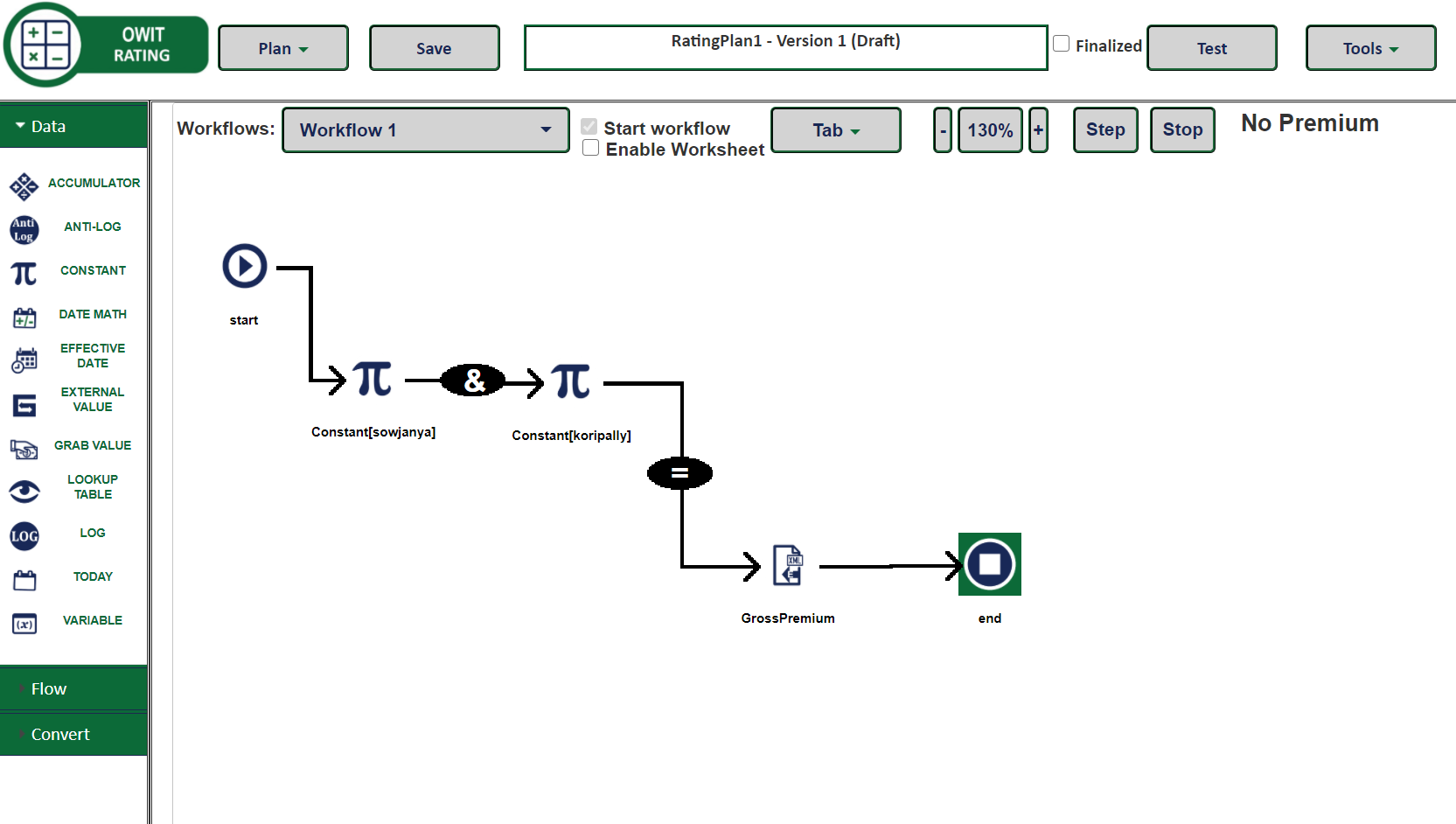
Sample Workflow Using Constants

 Related Topics